
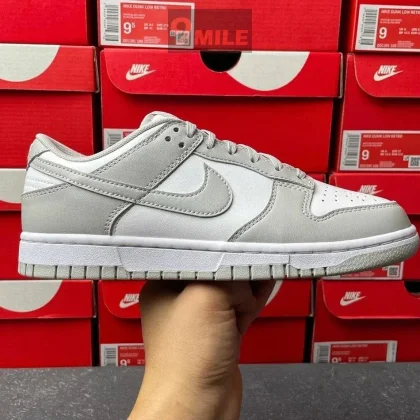
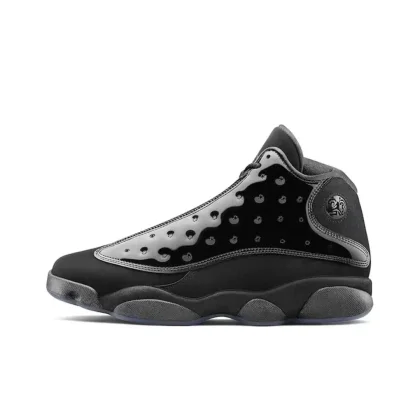
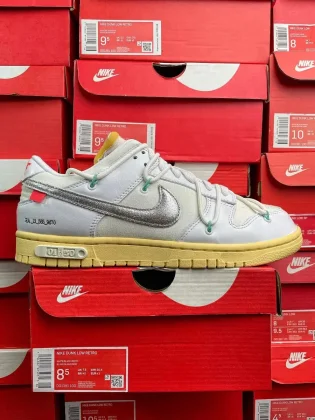
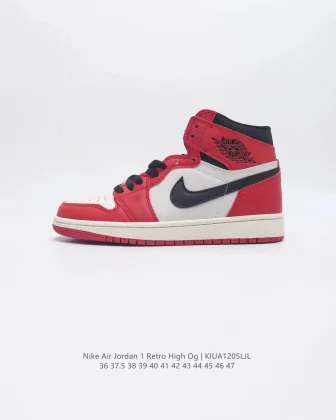
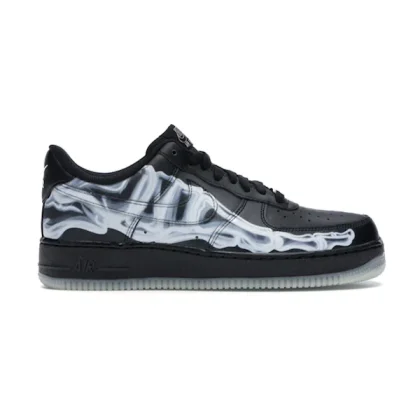
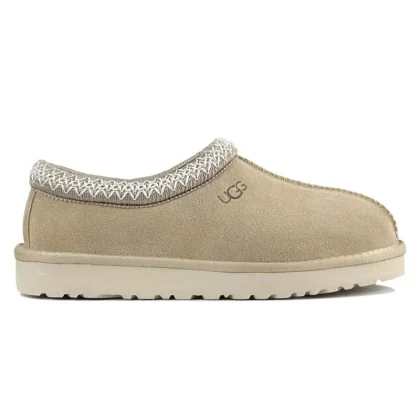
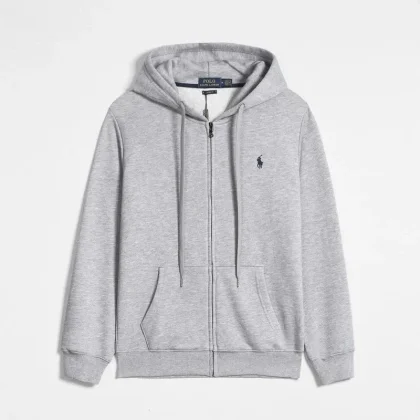

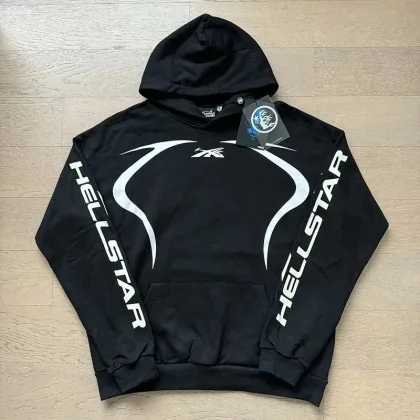
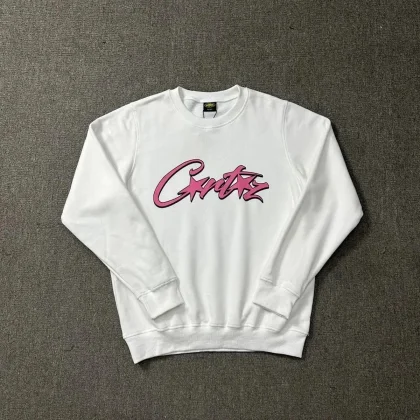
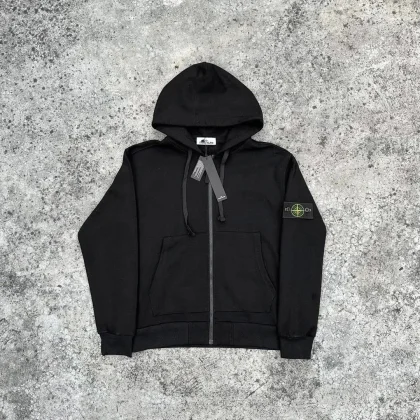
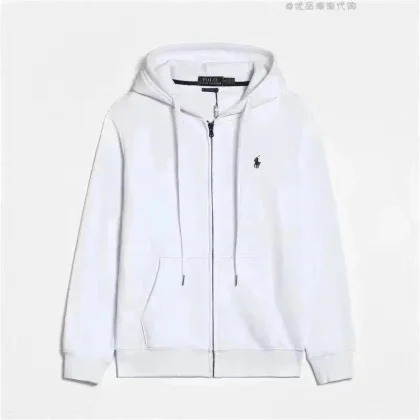
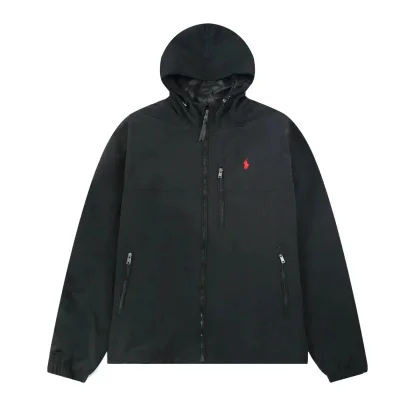
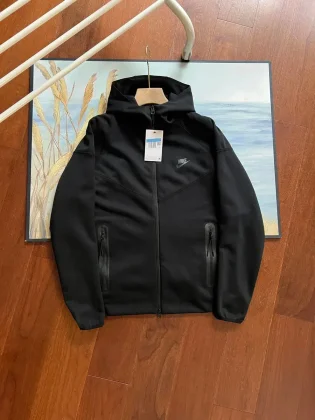
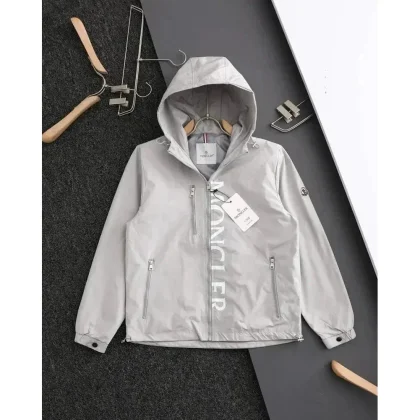
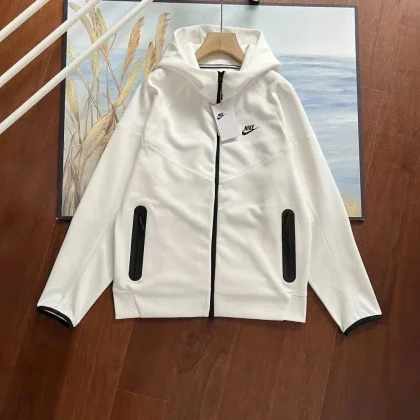
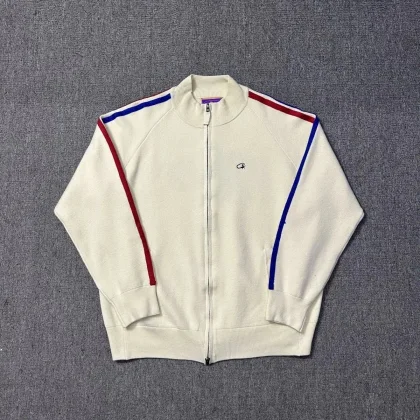
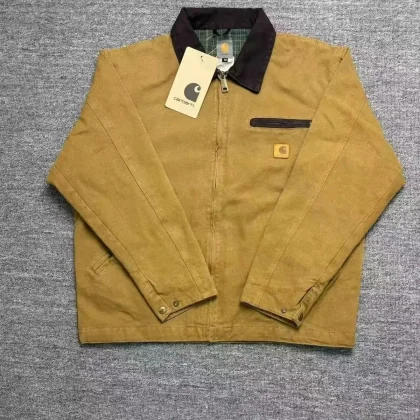
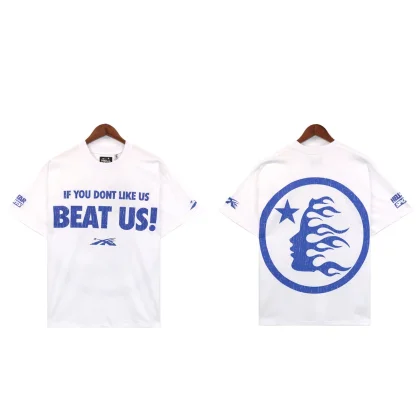
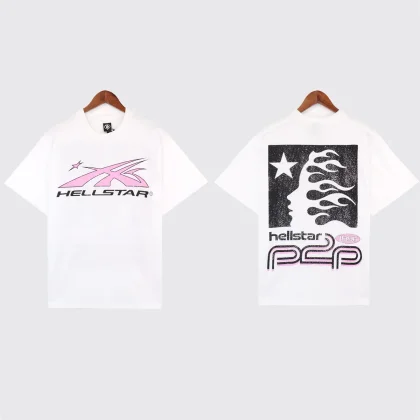
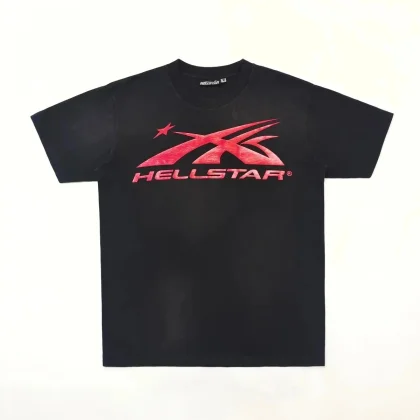
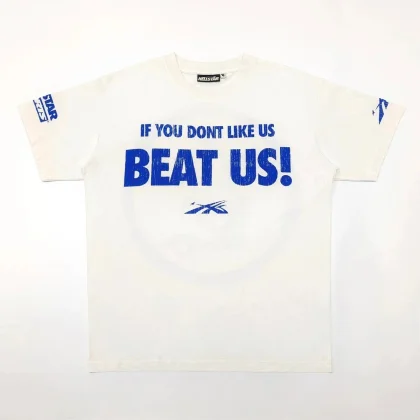
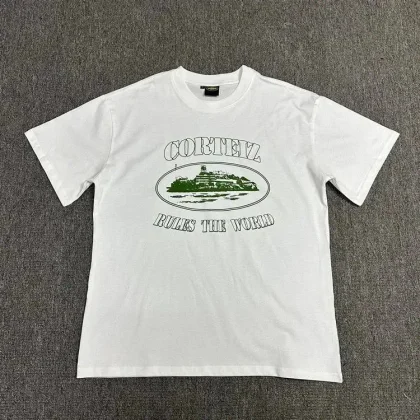
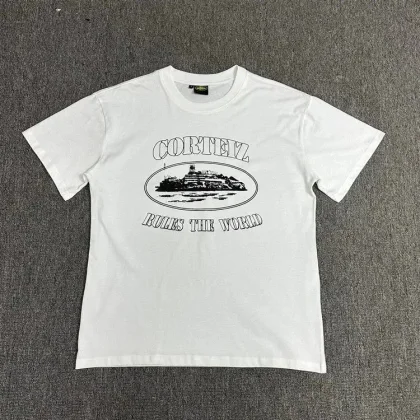
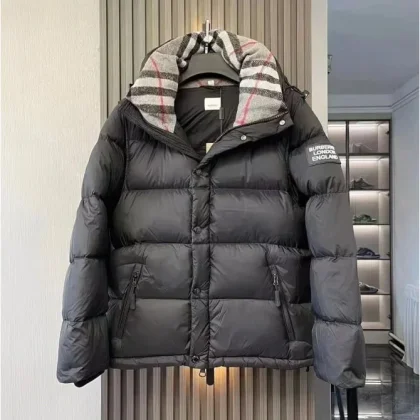
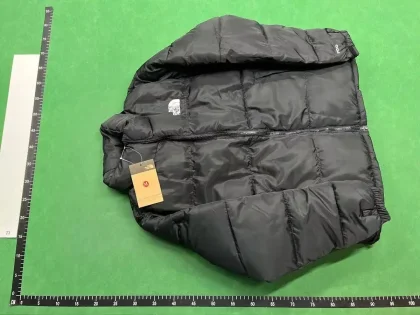
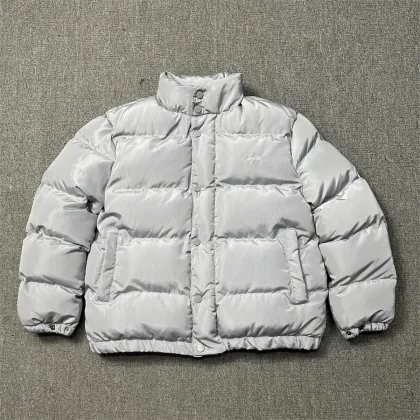
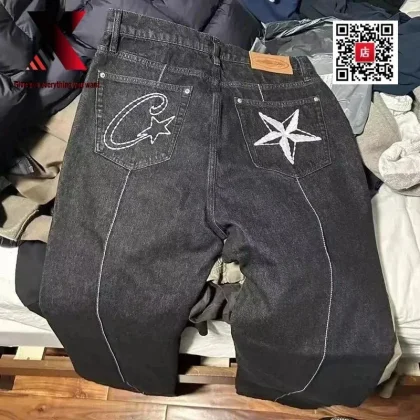
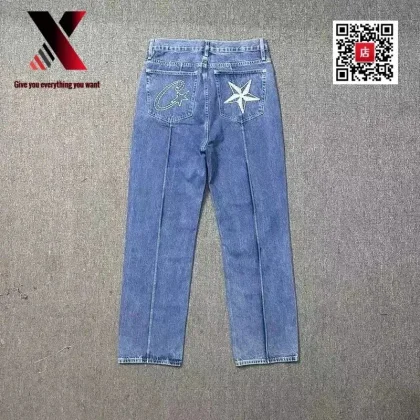
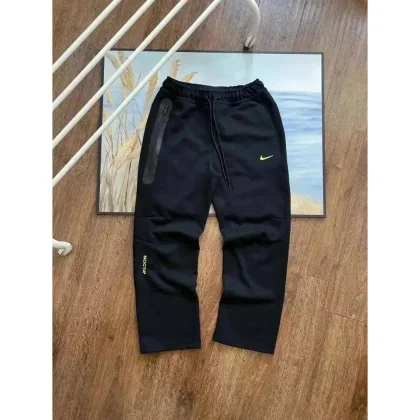
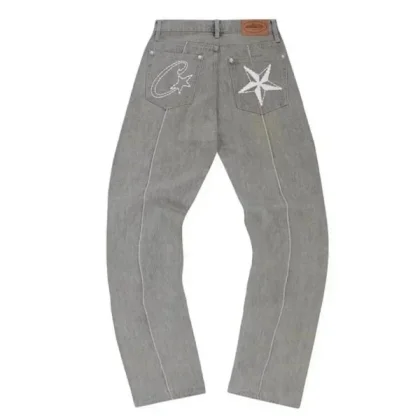
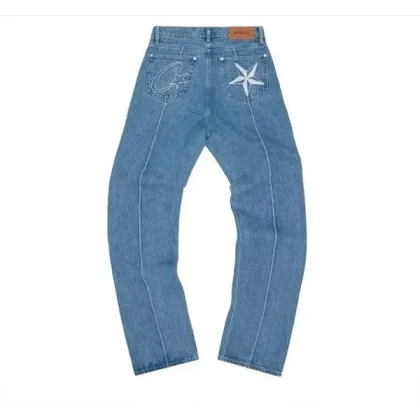
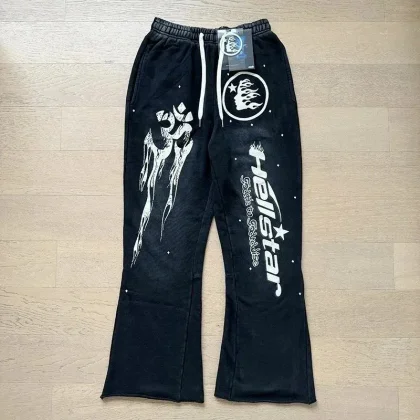
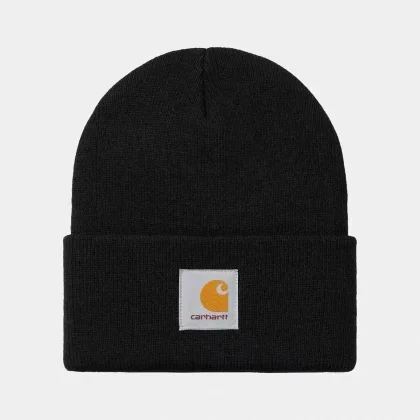
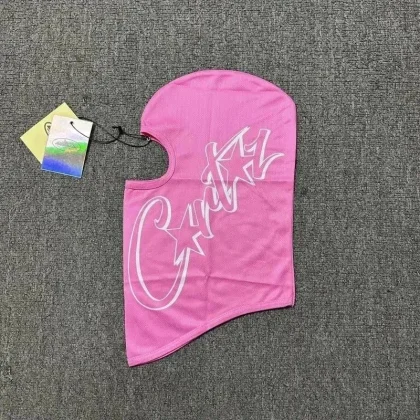

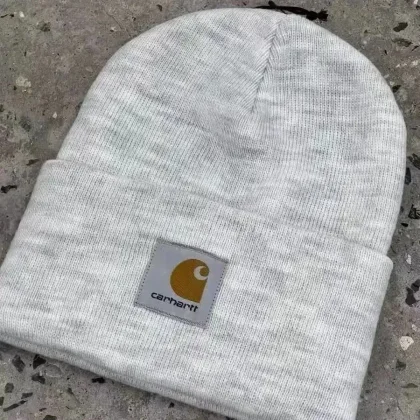
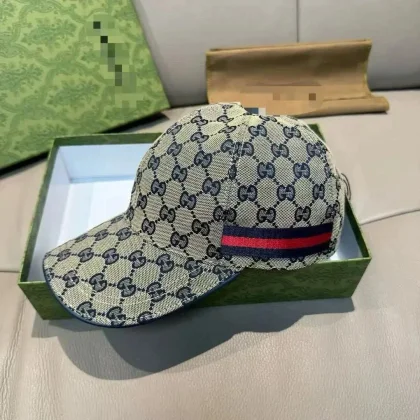
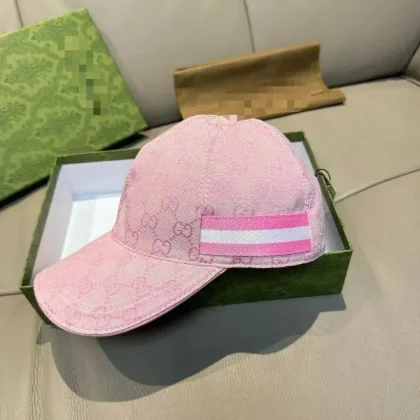
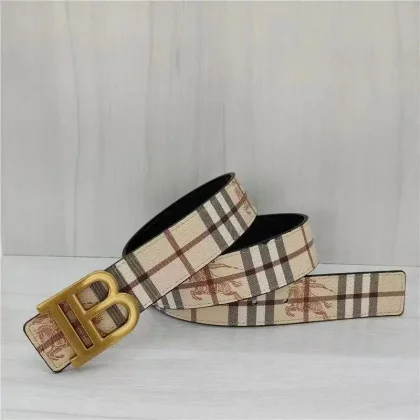
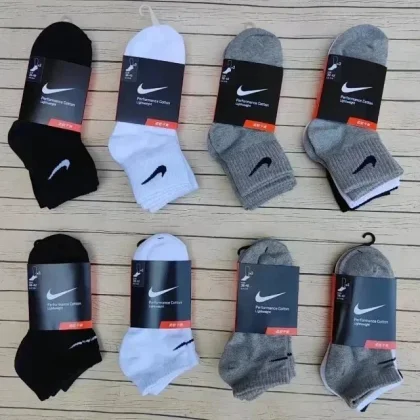
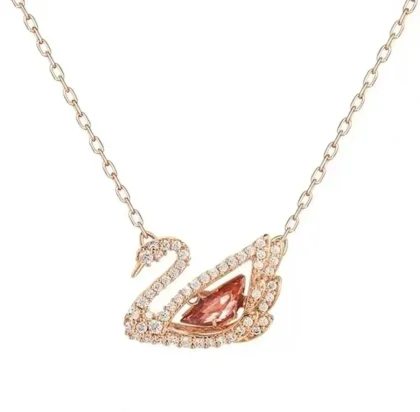
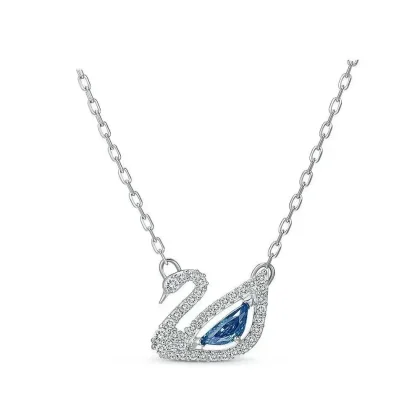
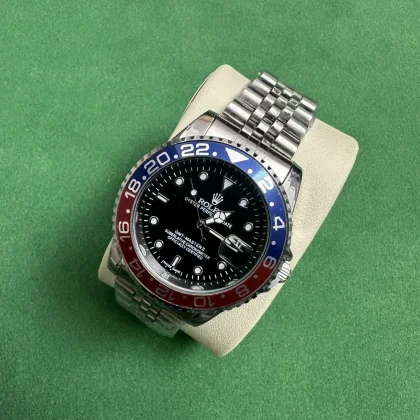
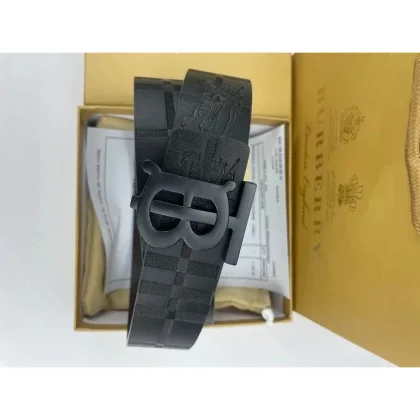
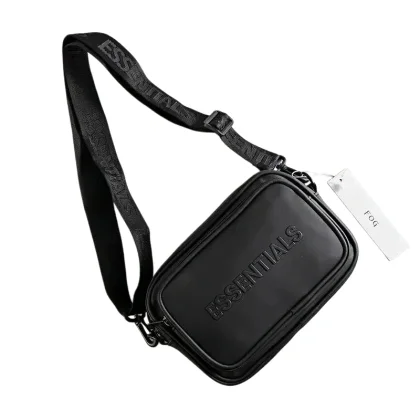
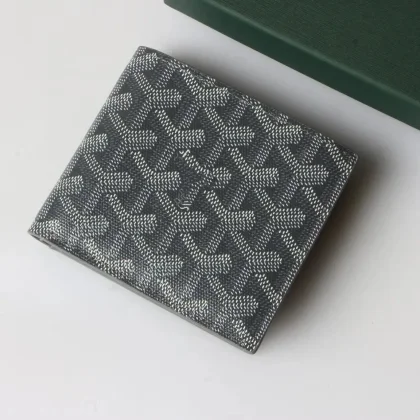
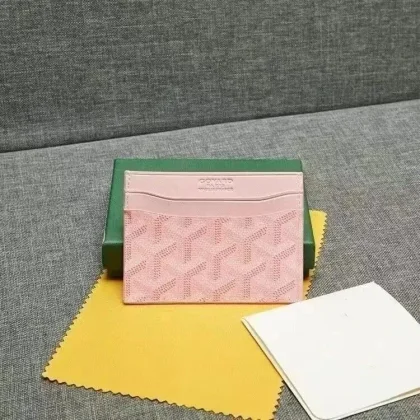
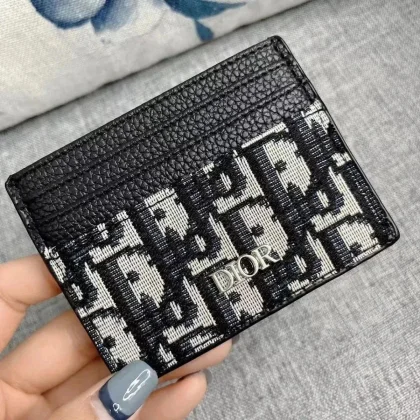
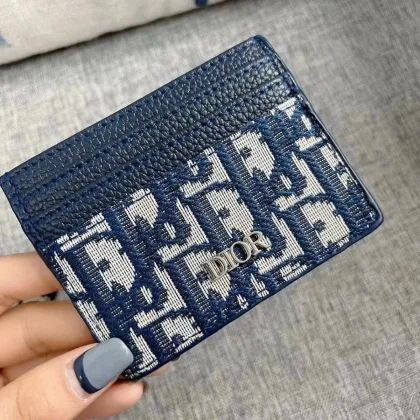
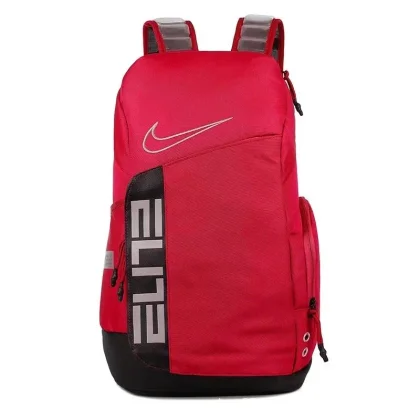
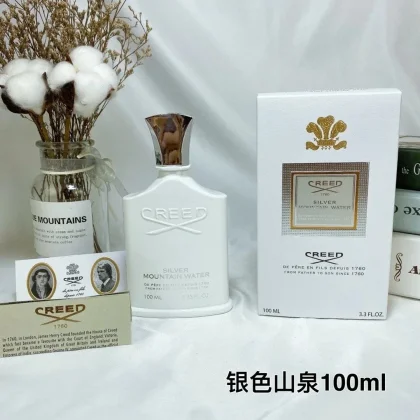
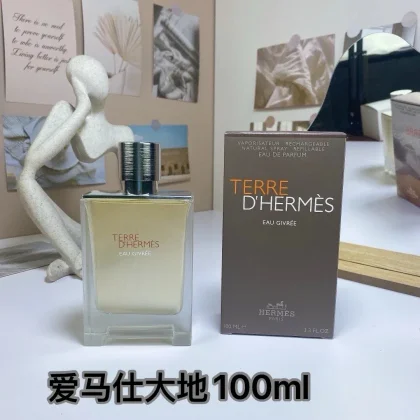
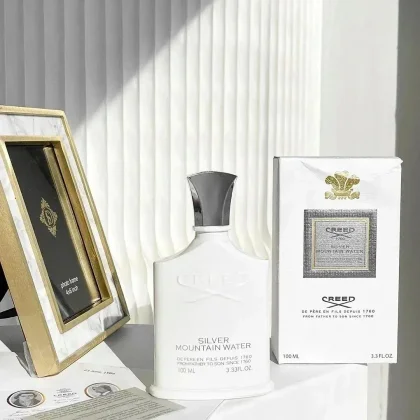
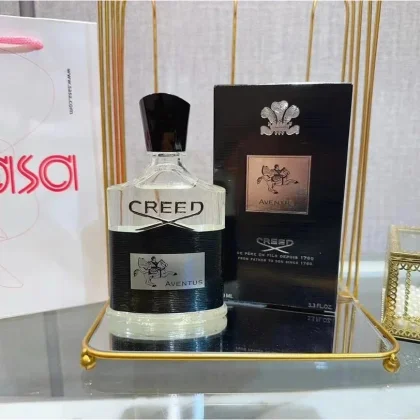
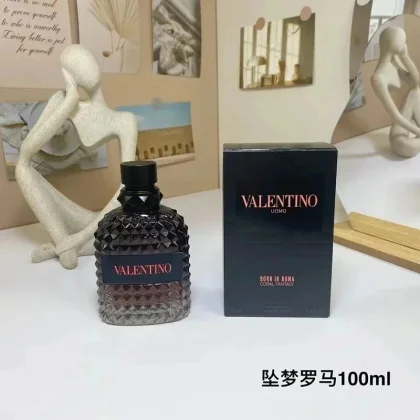
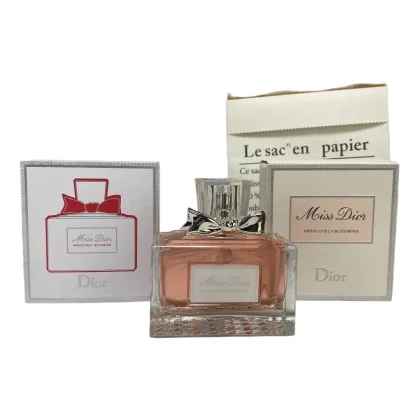
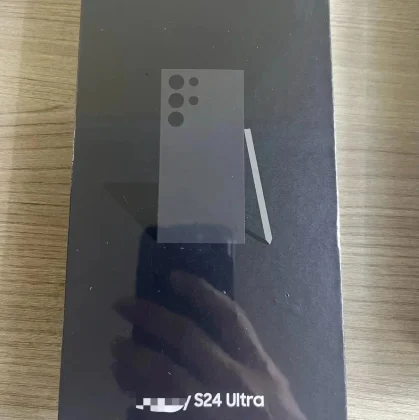
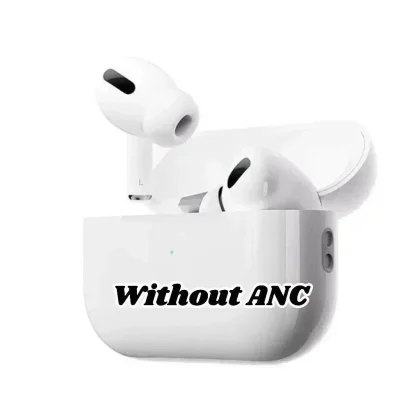
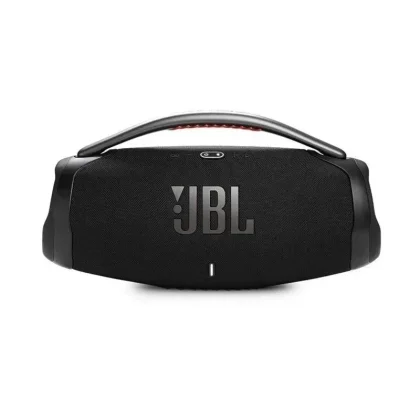
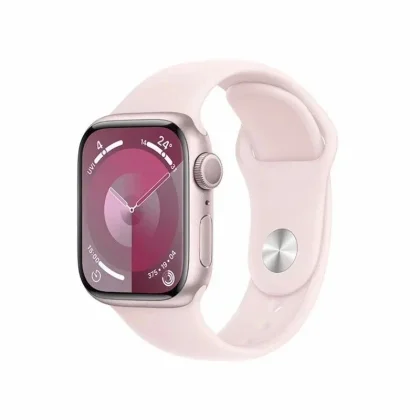
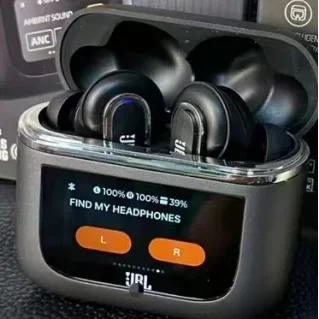
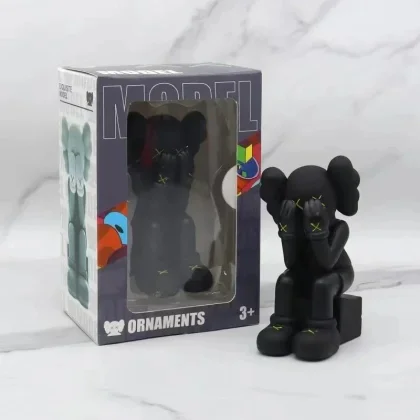
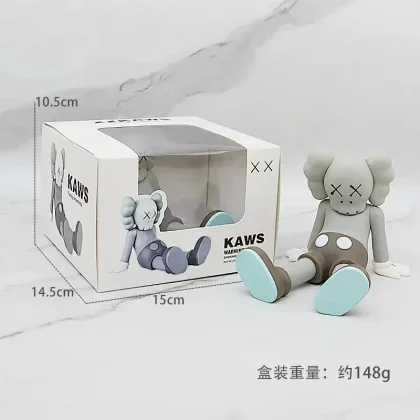
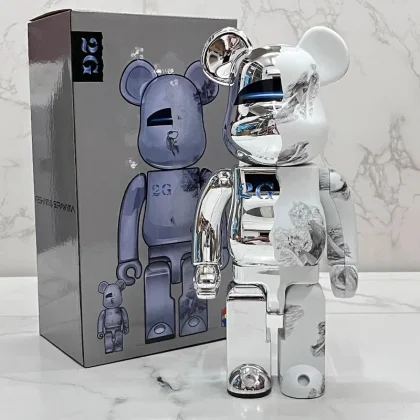

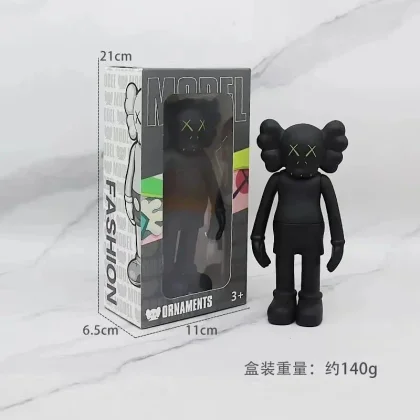

 10QC photos listed
 Explore by category
Start with one product type, compare a short selection and verify the current listing before ordering.
Selected finds
Worth a closer look
10QC photos listed  4QC photos listed
  4QC photos listed
  3QC photos listed
  3QC photos listed
  3QC photos listed
  5QC photos listed
  8QC photos listed
  7QC photos listed
  4QC photos listed
  3QC photos listed
  4QC photos listed
 QC badges indicate a photo count listed in product data. They do not mean the item or your order was independently inspected. Product prices exclude international delivery and possible charges at your destination.
Buying guides
01 / FIRST ORDER / BUYING STEPS
How to Buy on LoloBuy: Product Link, Payment & Shipping
Choose the exact listing and option, pay for the item, review its warehouse arrival, then arrange international delivery.
Read the guide 02 / WAREHOUSE / QUALITY CHECKLoloBuy QC Photos: What to Check Before Shipping
QC photos show visible details of a received item. They do not guarantee fit, function, authenticity or long-term durability.
Read the guide 03 / INTERNATIONAL DELIVERY / SHIPPING QUOTESLoloBuy International Shipping: Compare Routes and Parcel Costs
Choose the actual destination, compare eligible routes for the same parcel, and keep freight separate from import charges.
Read the guide 04 / INTERNATIONAL DELIVERY / IMPORT COSTSLoloBuy Import Costs: Customs Records and Destination Rules
Import rules depend on the destination and goods. Keep accurate records and verify current charges with the destination customs authority.
Read the guideFrom the blog
Product research and everyday choices
Spreadsheet research
How to Filter a LoloBuy Spreadsheet Without Losing Product Details
Use LoloBuy spreadsheet filters to build a shortlist. Keep product rows and variants together, sort comparable values and review duplicates without losing details.
10 min readRead article
Everyday carry Everyday Bag Capacity: Litres, Laptop Fit and the Space You Actually Use
Compare everyday bag capacity and laptop fit using litres, internal dimensions, openings and compartments. Plan around the objects you actually carry.
9 min readRead article
Fragrance choices EDT vs EDP: Compare Fragrance Versions Beyond the Bottle Label
Understand EDT vs EDP when comparing perfume versions. Separate concentration, bottle size, scent descriptions and personal impressions without fixed longevity claims.
9 min readRead article
Frequently asked questions
Answers about LoloBuy spreadsheets, QC photos, fees, warehouse storage and delivery.
What is a LoloBuy spreadsheet?
A LoloBuy spreadsheet is a directory of product finds that helps you compare categories, item prices and available QC references. This site presents those finds as browsable pages rather than a downloadable sheet. Start with shoes, hoodies or another category, then open the current listing to check its options. Explore the product categories.
How do I use a LoloBuy spreadsheet to compare finds?
Choose a category, compare a small shortlist and record the exact listing, colour, size and item price. Check measurements and available photos before deciding. A saved spreadsheet entry helps you research a purchase; selecting a card does not place an order or reserve stock. See how to organise a spreadsheet shortlist.
Is this an official LoloBuy website?
No. LoloBuy Spreadsheet is an independent product research directory and does not process orders or payments. LoloBuy’s account screens and current service terms govern an order placed through that service. A product or brand appearing here does not imply an official partnership. Read the terms and disclaimer.
Does the spreadsheet search cover the full product catalogue?
The search box opens an external product catalogue in a new tab with your search term. It does not search only the smaller selections displayed on this homepage. Use a product name, model or style for a broader search, or use the category cards to browse the selections on this site.
Can I use Weidian, Taobao and 1688 links with LoloBuy?
LoloBuy provides product-link search for Weidian, Taobao and 1688. Check whether the exact listing loads and whether the size, colour and quantity are available. Some listings require manual order details, and a link opening successfully does not guarantee that the seller can fulfil your chosen option. Read the buying steps.
Does a QC photo count mean my item has been checked?
No. A badge means the product data lists that number of reference images; it is not a quality score or proof that your own item was inspected. Review the photos attached to your warehouse order and compare its labels, colour, quantity and visible details with the option you purchased. Use the QC photo checklist.
Are LoloBuy standard QC photos free for every order?
Standard photo service is included for ordinary shopping-agent orders, but 1688 orders have separate rules: class-A products include it and class-B products do not. Check the inspection option attached to your order and the charges for any extra requests. Ask for the specific angle or measurement you need. Learn what QC photos can show.
How long can items stay in the LoloBuy warehouse for free?
The current free storage period for matched warehouse items is 180 days. Check each item’s expiry in your account and decide on shipping before it ends. Overdue items can incur storage fees or be treated as abandoned. Unmatched parcels have separate storage rules, so do not assume the same deadline applies. Review the warehouse-to-parcel buying steps.
Does LoloBuy charge a purchasing service fee?
Standard purchasing is currently listed with a zero service fee. That does not make a purchase or shipment free: account for the item, delivery within China, international freight and any selected extras. Payment-channel charges and currency conversion can also affect what you actually pay. Compare the complete order breakdown. Understand the separate payment stages.
What payment methods can I use on LoloBuy?
The payment help lists bank transfers, credit-card top-ups and local payment options. Check the methods actually available in your account’s Top-up screen for your region and currency. Compare transaction charges, conversion and the final amount credited in CNY before paying; available methods and fees can change.
Are product card prices the total delivered cost?
No. Product cards show an item price in yuan, not the total delivered cost. Delivery within China, international freight, optional services, payment charges and possible import or handling charges at your destination need separate checks. Save the item price and parcel quote as different figures in your budget. Review import costs and records.
How much does LoloBuy international shipping cost?
There is no single shipping price that applies to every destination and parcel. Compare routes using your destination, packed weight, dimensions and item type. A bulky jacket and a compact pair of trainers may be billed differently. Check whether a quote includes packing, insurance and destination charges, and whether it is an estimate or a settled charge. Learn how to compare shipping quotes.
How long does a LoloBuy order take to arrive?
Separate seller purchasing and delivery to the warehouse from international transit. Stock availability, seller responses, warehouse processing, the selected route and customs can affect the overall wait. A route’s estimated transit time usually does not describe the entire period from your first payment to arrival. Follow the stages from product link to parcel.
Why does a LoloBuy spreadsheet link show a different price or an unavailable item?
A directory entry records product information at a particular time. Sellers can change prices, remove listings or sell out of an individual size or colour. Recheck the current listing and selected option rather than treating a saved card as a stock guarantee. For comparisons, keep the exact version and the date you checked it. Compare listings and remove duplicate shortlist entries.